Law Firm Cybersecurity & IT Support Olympia, Washington
Secure, Responsive IT Support for Firms That Cannot Afford Downtime
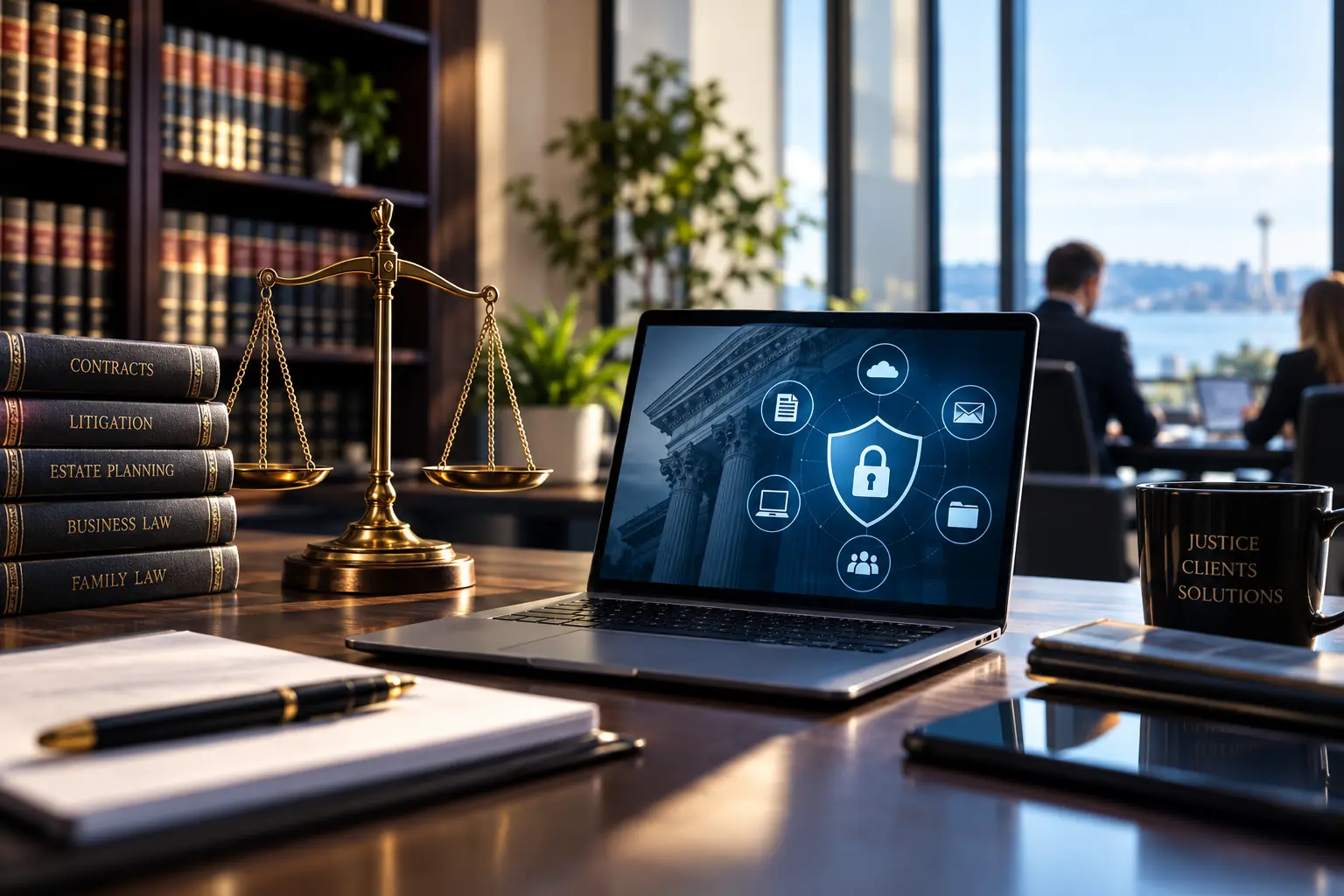
Law Firm IT Support Service in Olympia, Washington
IT Support Built Around Confidentiality and Billable Time
A technology problem inside a law firm is rarely just an inconvenience.
You get it, the subject of law firm it support is just one of those things in life you have to trust a professional to do. So feel free to skip all the reading and click the button below to get a quote now, or scroll down to learn more.
Get A QuoteWhen an attorney cannot access a client file, email stops working, a laptop fails, or an important document disappears, the problem can immediately affect productivity and billable work.
Legal organizations also handle confidential information that cannot simply be shared or stored without proper security.
MTech Solutions provides managed IT support for law firms with a focus on keeping client information secure, employees productive, and critical systems available.
Legal Organizations We Support
MTech supports legal organizations including:
- Small and midsize law firms
- Estate-planning firms
- Family-law firms
- Litigation practices
- Business-law firms
- Nonprofit legal organizations
- Legal offices with remote or hybrid employees
- Multi-attorney practices
Our support can cover the technology throughout the organization rather than treating each device or application as a separate problem.
Secure Client File Storage
Client documents are one of the most important parts of a law firm's technology environment.
MTech helps firms work with platforms such as:
- SharePoint
- OneDrive
- Dropbox
- Local file servers
- Shared network folders
- Cloud file storage
We help evaluate how files are stored, who can access them, and how documents are shared internally and externally.
File Permissions Matter
One of the problems we commonly see is not simply where files are stored.
It is who has access to them.
Employees should not automatically have access to every client folder or every area of the company.
MTech works closely with office administrators and HR to determine appropriate access.
We can help document:
- Employee roles
- Department access
- Client-folder permissions
- Management access
- External sharing
- Temporary access
- Departing employee access
Permissions can then be configured based on the company's actual business requirements.
Microsoft 365 Support for Law Firms
Microsoft 365 is often at the center of a modern legal firm's operations.
MTech supports:
- Outlook
- Exchange Online
- Microsoft Teams
- SharePoint
- OneDrive
- Microsoft 365 licensing
- MFA
- Mailbox management
- Shared mailboxes
- File permissions
- Secure sharing
- User administration
- Mobile devices
- Employee onboarding
- Employee offboarding
Our goal is to make Microsoft 365 easier for employees to use while keeping access controlled and secure.
Secure and Encrypted Email
Legal professionals regularly send confidential information to:
- Clients
- Other law firms
- Outside professionals
- Vendors
- Internal team members
Standard email is not always the appropriate way to transmit sensitive information.
MTech helps firms implement email protection and encrypted or protected email options so confidential documents can be sent more securely.
A Real Security Problem We Have Encountered
MTech has worked with legal environments where the network was not properly configured and created unnecessary security risk.
Rather than continuing to work around an inadequate network, we evaluated the environment and installed enterprise-level networking equipment.
The result was a more secure and manageable network foundation for the firm.
This matters because cybersecurity does not begin with one security product.
It begins with the infrastructure everything else depends on.
Protecting Confidential Documents in Email
We have also encountered environments where confidential documents were being sent without appropriate email protection.
MTech implemented email security and protected-email capabilities to provide the firm with a safer way to communicate sensitive information with clients and other organizations.
The goal is to make secure communication practical enough that employees actually use it.
Cybersecurity for Law Firms
Law firms are attractive targets because they hold valuable and confidential information.
We have encountered security weaknesses such as:
- Phishing
- Business email compromise risk
- Missing MFA
- Shared passwords
- Excessive permissions
- Local administrator access
- Older computers
- Weak email protection
- Missing endpoint protection
- Poorly configured networks
- Inconsistent access controls
Security should be implemented across the environment rather than relying on a single product.
Important Security Controls
For legal environments, we consider multiple layers important.
These can include:
- Multi-factor authentication
- Endpoint protection
- Email security
- Protected or encrypted email
- Secure file sharing
- Password management
- Network security
- Access controls
- Role-based permissions
- Backups
- Recovery planning
- Employee security awareness
- Proper onboarding
- Proper offboarding
The exact security configuration should be based on the firm's environment and risk.
Remote and Hybrid Attorneys
Attorneys are not always working from the office.
MTech supports secure remote and hybrid work with technologies such as:
- Business laptops
- Microsoft 365
- MFA
- VPN
- Secure remote access
- OneDrive
- SharePoint
- Teams
- Mobile devices
- Home-office connectivity
Remote work should provide convenient access without creating unnecessary exposure to client information.
When an Attorney's Computer Fails
Attorneys cannot always wait several days for a replacement computer.
When a workstation or laptop fails, MTech can help prepare and configure a replacement.
That can include:
- Windows setup
- Microsoft 365
- Outlook
- Firm applications
- File access
- Printers
- Security software
- MFA
- Remote access
- User settings
Our goal is to get the attorney productive again as quickly as reasonably possible.
Deleted Email and File Recovery
Files and emails can be deleted accidentally.
When that happens, employees should know who to call.
MTech helps investigate available recovery options and restore data when the platform, retention configuration, or backup system allows it.
This is also why retention and backup planning should happen before an important document disappears.
Employee Onboarding
A new employee's first day should not begin with:
“Your computer isn't ready yet.”
MTech helps develop documented onboarding procedures for each organization.
Before a new attorney or employee starts, we can prepare:
- Computer and workstation
- Microsoft 365 account
- MFA
- Applications
- File permissions
- Printers
- Remote access
- Phone
- Security tools
We can also schedule a meeting with the employee on their first day to confirm everything is functioning properly.
That gives the user an opportunity to ask questions and lets us identify anything that was missed immediately.
Employee Offboarding
Offboarding is especially important when employees had access to confidential client information.
MTech helps firms create documented offboarding procedures that can include:
- Disable user access
- Remove remote access
- Preserve business files
- Preserve email
- Transfer files to a manager
- Provide appropriate mailbox access
- Configure email forwarding when approved
- Configure call forwarding when requested
- Recover company equipment
- Remove application access
Files and email can remain available to management until the firm instructs us otherwise.
Backup and Disaster Recovery
One of the biggest problems we see is not necessarily that a company has no backup.
It is that the company has no clear recovery plan.
A law firm should know what happens if:
- A server fails
- Files become unavailable
- Microsoft 365 data is deleted
- A computer is compromised
- An employee accidentally deletes information
- A major outage occurs
Backup is only one piece of business continuity.
What Would We Restore First?
If a law firm's file system or server failed, our first priority would be getting attorneys access to the information they need to continue working.
That usually means prioritizing:
Client files and critical business information first.
Once attorneys and staff can continue core operations, we would restore or address the remaining systems according to business priority.
Recovery priorities should match what actually keeps the firm operating.
Phones and Communication
Legal firms depend heavily on reliable communication.
MTech can help with:
- Business VoIP
- Phone systems
- Call routing
- Call forwarding
- Microsoft Teams
- Conference-room technology
- Remote employees
- Mobile communication
- User setup
When someone joins or leaves the firm, phone access can also be incorporated into the onboarding or offboarding process.
Cyber Insurance and Security Requirements
Cyber-insurance carriers increasingly require businesses to demonstrate that certain cybersecurity controls are in place.
MTech can assist law firms with technical areas such as:
- MFA
- Endpoint protection
- Email security
- Access controls
- Backup
- Network security
- Documentation
- Security assessments
- Cyber-insurance questionnaires
We can help identify and implement technical controls, but we do not act as the firm's legal or regulatory auditor.
Vendor Coordination
Law firms frequently depend on multiple technology vendors.
Those may include:
- Software companies
- Microsoft
- Internet providers
- Copier vendors
- Phone providers
- Case-management vendors
- Accounting software providers
- Document-management vendors
When a vendor says:
“This is an IT problem.”
MTech does not simply send the client back to the vendor.
We investigate.
We review things such as:
- Logs
- Errors
- Network communication
- Permissions
- Authentication
- Workstation configuration
- Server configuration
- Application requirements
If the issue is on our side, we take ownership and work to resolve it.
If our findings indicate that the vendor needs to make a change, we provide the technical information and work with the vendor toward resolution.
The client should not have to become the middleman between two technology companies.
Documentation and Procedures
Good IT support should not depend entirely on one technician remembering how everything works.
MTech helps document areas such as:
- Network configuration
- Microsoft 365
- File permissions
- User access
- Vendors
- Servers
- Applications
- Backup systems
- Onboarding
- Offboarding
- Security procedures
- Phones
- Remote access
Better documentation helps make support faster and more consistent.
Why Law Firms Choose MTech
Local IT Team
Our technicians are local rather than outsourced overseas.
Fast Response
We understand that technology problems can immediately affect attorneys, staff, clients, and billable work.
Remote and Onsite Support
Many problems can be addressed remotely, but when an issue requires someone onsite, we can provide local support.
24/7 Support
Technology problems do not always happen during normal office hours.
Microsoft 365 Experience
We support Outlook, Teams, SharePoint, OneDrive, MFA, permissions, secure sharing, and Microsoft 365 administration.
Cybersecurity
We help secure users, computers, email, networks, and business information.
Secure Email
We can help provide protected communication options for confidential documents.
File and Permission Management
We help firms organize access according to actual employee responsibilities.
Vendor Coordination
We stay involved instead of leaving your staff stuck between technology vendors.
Structured Onboarding and Offboarding
Documented processes help ensure employees receive the correct access when joining and lose access appropriately when leaving.
Backup and Recovery Planning
We help firms think beyond simply having a backup and plan how critical information would actually be restored.
Flat-Rate Support
Our managed IT model helps make ongoing technology support more predictable.
No Long-Term Contracts
We focus on providing service that makes clients want to continue working with us rather than relying on a long-term contract.
Law Firm IT Services We Can Help With
MTech can help legal organizations with:
- Managed IT services
- 24/7 IT support
- Microsoft 365
- Outlook
- SharePoint
- OneDrive
- Teams
- Dropbox environments
- Secure file sharing
- File permissions
- Protected and encrypted email
- Cybersecurity
- Endpoint protection
- MFA
- Password security
- Network security
- Firewalls
- Business Wi-Fi
- Remote access
- VPN
- Backup and disaster recovery
- New computer setup
- Employee onboarding
- Employee offboarding
- VoIP
- Call routing
- Conference rooms
- Vendor coordination
- Cyber-insurance IT requirements
- IT documentation
- Technology planning
Local Law Firm IT Support
MTech Solutions provides remote and onsite IT support for law firms throughout Bothell and surrounding Puget Sound communities, including Bellevue, Kirkland, Redmond, Lynnwood, Everett, Seattle, Issaquah, Mukilteo, Woodinville, and nearby areas.
Our goal is simple:
Schedule a Law Firm IT Assessment
Tell us a little about your firm and what you need help with. Our local MTech team can review your technology, security, Microsoft 365 environment, file access, backups, and ongoing IT support needs.
For What do you need help with?
- Managed IT Support
- Microsoft 365
- Cybersecurity
- Secure / Encrypted Email
- File Storage & Permissions
- Backup & Disaster Recovery
- Remote Work
- Phone System
- Switching IT Providers
- Not Sure — Need an Assessment
Schedule My Law Firm IT Assessment

Helpful IT Resources for Law Firms
Microsoft 365 Security Checklist for Small Businesses
What to Do When Your Business Email Gets Hacked
Cyber Insurance IT Checklist for Small Businesses
SharePoint vs OneDrive vs Teams
Employee Offboarding IT Checklist
New Employee IT Onboarding Checklist
Business Continuity vs Backup vs Disaster Recovery
Business Phone Systems: VoIP, UniFi Phones, Intermedia & Microsoft Teams
Law Firm IT Support FAQs
Yes. MTech provides ongoing IT support for legal organizations, including Microsoft 365, cybersecurity, computers, networks, file sharing, backups, remote access, phones, onboarding, offboarding, and vendor coordination.
Yes. We can help review file storage, permissions, external sharing, Microsoft 365, SharePoint, OneDrive, Dropbox, email protection, and other technical controls used to protect confidential information.
Yes. We can help firms implement protected or encrypted email options for sending confidential documents to clients, other firms, and internal employees when appropriate.
Yes. We support SharePoint and OneDrive environments, including file organization, permissions, sharing, synchronization, employee access, and Microsoft 365 administration.
Yes. We support laptops, Microsoft 365, VPNs, MFA, secure remote access, file sharing, mobile devices, and other technology used by remote and hybrid employees.
Yes. We can prepare replacement systems with Microsoft 365, security tools, applications, printers, file access, remote access, and other required configurations.
Yes. We can assist with the technical requirements involved in cyber-insurance assessments and questionnaires, including MFA, endpoint security, email protection, backups, network security, and access controls.
Yes. We can troubleshoot the underlying IT environment, gather technical evidence, and coordinate directly with software and technology vendors rather than leaving your employees to manage the troubleshooting process themselves.