Business Phone Systems: VoIP, UniFi Phones, Intermedia, and Microsoft Teams Bothell, Washington
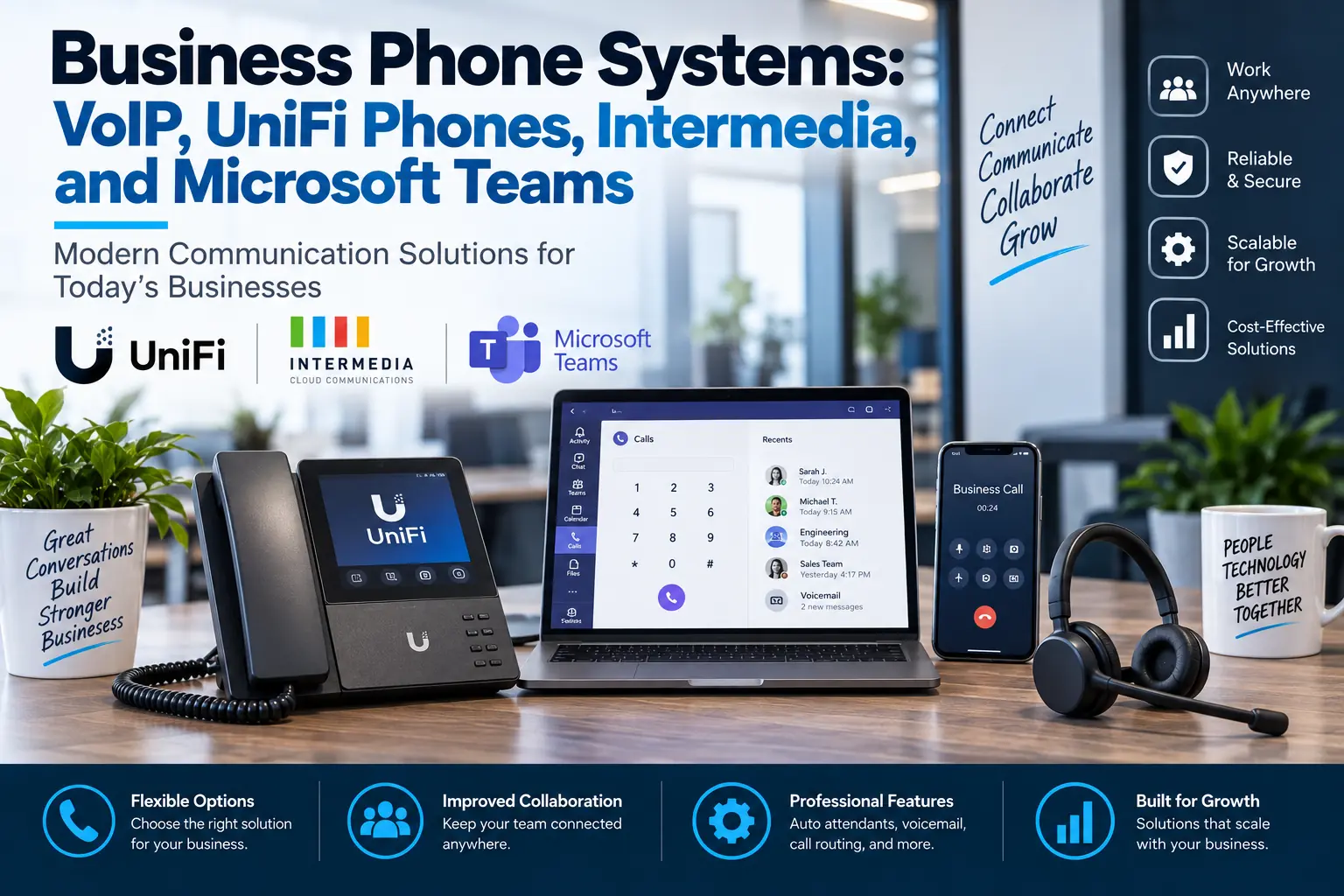
Business Phone Systems: VoIP, UniFi Phones, Intermedia, and Microsoft Teams
Business phone systems have changed.
Many companies no longer need to rely on old phone closets, outdated desk phones, complicated wiring, or phone systems that only work inside the office.
Modern business phone systems can support desk phones, mobile apps, softphones, remote workers, auto attendants, call routing, voicemail, call groups, and easier management.
For small and midsize businesses, this creates a big opportunity.
A better phone system can improve how customers reach your team, how employees communicate, and how your business handles calls during busy hours, after-hours, or remote work situations.
At MTech, we help businesses review, install, and support phone solutions such as VoIP, UniFi phones, Intermedia, and Microsoft Teams Phone.
The right solution depends on how your business works.
Why Business Phone Systems Still Matter
Even with email, Teams, texting, and online forms, phone calls are still important.
Customers still call when they need help. Vendors still call with updates. Employees still need to reach each other quickly. Sales teams still need reliable outbound calling. Office staff still need voicemail, call forwarding, and call routing.
A poor phone system creates frustration.
Common problems include:
- Missed calls
- Poor call quality
- Confusing call routing
- Old desk phones
- No mobile app
- No easy remote work option
- Voicemail issues
- Hard-to-change greetings
- Limited reporting
- No clear support when something breaks
A business phone system should make communication easier, not harder.
What Is VoIP?
VoIP stands for Voice over Internet Protocol.
In simple terms, it means phone calls use an internet connection instead of old traditional phone lines.
VoIP can give businesses more flexibility because users can often make and receive calls from desk phones, computers, or mobile apps depending on the service.
VoIP can also support features such as:
- Auto attendants
- Call forwarding
- Call queues
- Voicemail to email
- Business texting
- Mobile apps
- Desk phones
- Call recording where appropriate
- Call reports
- Remote users
- Multi-location support
For many businesses, VoIP is easier to manage and scale than older phone systems.
When a Business Should Upgrade Its Phone System
Your company may need a phone system upgrade if:
- Calls are being missed
- Customers are not reaching the right person
- Employees work remotely
- Your current system is hard to manage
- Desk phones are outdated
- You do not have mobile calling options
- You are opening another location
- Call routing is confusing
- Voicemail is unreliable
- Your phone vendor is difficult to work with
- You want better integration with your technology
Phone systems should support the way your business actually operates.
If your team is using personal cell phones, manually forwarding calls, or relying on outdated equipment, it may be time to review better options.
UniFi Phones for Businesses
UniFi phone systems can be a good fit for businesses already using or considering UniFi network equipment.
For businesses that like the UniFi ecosystem, UniFi phones can provide a clean, modern option for business calling.
UniFi may be a good fit when a company wants:
- Modern desk phones
- Centralized management
- Clean office setup
- Simple internal calling
- Integration with UniFi network infrastructure
- A phone solution that fits a UniFi-based environment
This can work especially well for businesses that already have UniFi firewalls, switches, wireless access points, or cameras.
MTech can help review whether UniFi phones make sense for your environment and support the setup around networking, internet, VLANs, firewall rules, and user configuration.
Intermedia for Business Phone and Communication
Intermedia is another strong business communication option.
It can support business phone needs along with communication features like desktop apps, mobile apps, team messaging, SMS, meetings, call routing, and other unified communications features depending on the plan and setup.
Intermedia may be a good fit for businesses that want:
- Hosted phone service
- Desk phone and mobile app options
- Auto attendants
- Call groups
- Business texting
- Simple management
- A more traditional business phone provider experience
- Support for remote and office-based users
For many companies, Intermedia can provide a familiar phone system experience while adding modern cloud flexibility.
MTech can help businesses compare Intermedia with other phone options and support the IT side of implementation.
Microsoft Teams Phone
Some businesses already use Microsoft Teams every day for chat, meetings, calendars, and internal communication.
For those companies, Microsoft Teams Phone may be worth reviewing.
Teams Phone can allow users to make and receive business calls through Microsoft Teams when properly licensed and configured.
This may be a good fit for companies that want:
- Calling inside Microsoft Teams
- Fewer separate communication tools
- Support for remote or hybrid employees
- Microsoft 365 integration
- Softphone calling from computers or mobile devices
- Centralized user management through Microsoft 365
Teams Phone is not the right fit for every business, but for Microsoft 365-heavy companies, it can be a strong option.
MTech can help review licensing, calling plans, phone numbers, user setup, call routing, and whether Teams Phone makes sense compared to UniFi or Intermedia.
Desk Phones vs Softphones
One of the biggest decisions is whether employees need physical desk phones.
Some businesses still prefer desk phones because they are simple, familiar, and easy for front desk, reception, warehouse, medical, or office staff.
Other businesses prefer softphones, where employees make and receive calls using a computer or mobile app.
Many companies use both.
For example:
- Front desk staff may use desk phones
- Sales staff may use mobile apps
- Managers may use softphones
- Remote employees may use Teams or an app
- Conference rooms may use shared devices
The right design depends on the business workflow.
Phone System Planning Questions
Before choosing a phone system, ask:
- How many users need phones?
- How many locations do we have?
- Do employees work remotely?
- Do we need desk phones, softphones, or both?
- Do we need call routing?
- Do we need an auto attendant?
- Do we need business texting?
- Do we need call recording?
- Do we need after-hours call handling?
- Do we use Microsoft Teams heavily?
- Do we already use UniFi equipment?
- Do we want a hosted provider like Intermedia?
- Who will manage changes after setup?
These questions help prevent choosing the wrong system.
Internet and Network Quality Matter
VoIP depends on a reliable internet connection and properly configured network.
A business phone system can only work well if the network behind it is stable.
Poor call quality may be caused by:
- Weak internet connection
- Bad Wi-Fi
- Failing switches
- Incorrect firewall settings
- No network segmentation
- Poor cabling
- Overloaded internet
- Misconfigured equipment
That is why phone systems should not be treated separately from IT.
MTech can help review the network, firewall, switches, internet, and phones together.
How MTech Helps
MTech helps businesses choose, install, and support modern business phone systems.
We can help with:
- VoIP planning
- UniFi phone setup
- Intermedia support
- Microsoft Teams Phone review
- Phone number porting coordination
- Auto attendants
- Call routing
- Desk phones
- Softphones
- Mobile apps
- Network readiness
- Firewall configuration
- User setup
- Vendor coordination
Our goal is to help your business choose a phone system that fits your workflow, budget, and support needs.
Transportation and logistics companies often depend on phone routing, remote employees, dispatch communication, and after-hours availability. Learn more about MTech's Transportation, Logistics & Fleet IT Support.
Construction and field-service teams often need business calling that works both in the office and on mobile devices. Learn more about MTech's IT support for construction and trade companies.
Final Thoughts
A business phone system should be simple, reliable, and easy for your team to use.
Whether your company is considering VoIP, UniFi phones, Intermedia, Microsoft Teams Phone, or another option, the right setup depends on how your business communicates.
MTech can help review your current phone system, compare options, and support the implementation from the IT side.
Schedule a phone system review today and let’s find the right communication setup for your business.