What to Do When Your Business Email Gets Hacked Bothell, Washington
What to Do When Your Business Email Gets Hacked
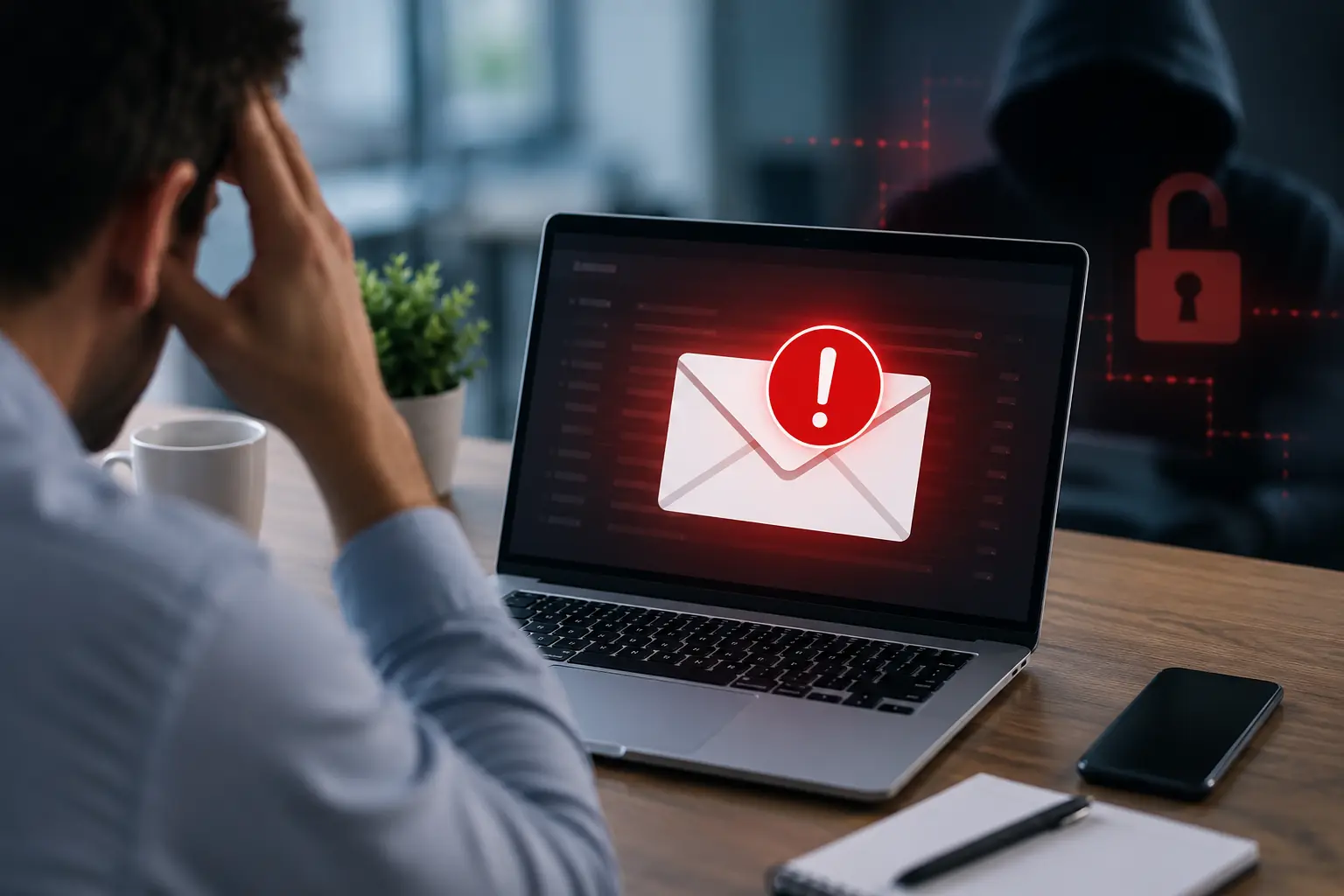
A hacked business email account is one of the most stressful technology issues a company can face.
At first, it may look small. One employee cannot log in. A client says they received a strange email. Someone notices messages in the sent folder they did not send. A vendor calls about a payment request that seems suspicious.
But a compromised email account can quickly become a serious business problem.
Attackers may read messages, create forwarding rules, send fake invoices, impersonate employees, steal files, reset passwords for other services, or contact clients pretending to be your company.
If your business uses Microsoft 365, Outlook, Teams, SharePoint, OneDrive, or cloud-based systems, email security needs to be taken seriously.
Here is what to do if you think a business email account has been hacked.
1. Reset the Password Immediately
The first step is to reset the affected user’s password.
Do not reuse an old password. Do not use a simple variation of the previous password. Use a strong, unique password that is not used anywhere else.
If your company does not use a password manager, this is a good time to consider one.
A password reset alone is not always enough, but it is an important first step.
2. Sign the User Out of All Sessions
After resetting the password, the account should be signed out of all active sessions.
This helps remove access from devices, browsers, or locations where the attacker may still be logged in.
In Microsoft 365, this can usually be done from the admin portal. This is one reason it is important to have an IT provider or administrator who understands Microsoft 365 security.
3. Turn On Multi-Factor Authentication
If multi-factor authentication was not already enabled, it should be turned on right away.
MFA adds another layer of protection when someone tries to sign in. Even if a password is stolen, MFA can help stop unauthorized access.
For business email, MFA should not be optional. It should be required for all users, especially administrators, finance staff, leadership, and anyone with access to sensitive information.
4. Check for Suspicious Forwarding Rules
Attackers often create hidden forwarding rules so they can continue receiving copies of emails even after the password is changed.
This is one of the most important areas to check.
Look for rules that forward mail to outside addresses, delete messages, move messages to hidden folders, or hide replies from clients and vendors.
If these rules are missed, the attacker may continue monitoring communication.
5. Review Sign-In Activity
Review where the account was accessed from.
Look for unfamiliar locations, unusual devices, strange times, or repeated failed login attempts.
This can help determine whether the account was actually compromised and how far the issue may have gone.
If multiple accounts show suspicious activity, the problem may be larger than one user.
6. Check Sent Items and Deleted Items
Review the mailbox for emails the user did not send.
Pay special attention to:
- Payment requests
- Wire transfer instructions
- Invoice changes
- Requests for gift cards
- Password reset emails
- Messages sent to clients or vendors
- Messages that were deleted quickly
This can help determine who may need to be notified.
7. Warn Employees, Clients, and Vendors if Needed
If the attacker sent emails to clients, vendors, or employees, your business may need to notify them.
The message should be clear and simple.
Let them know your company is reviewing a suspicious email issue and they should not act on any unusual payment request, document link, or password request without confirming directly.
For financial requests, verbal confirmation through a known phone number is important.
8. Review Admin Accounts
If an administrator account was compromised, the risk is much higher.
Admin accounts can make tenant-wide changes, create users, change security settings, access data, and disable protections.
Admin accounts should have strong MFA, limited access, and separate credentials from normal daily-use accounts.
9. Check Other Connected Systems
Email is often connected to other business systems.
If attackers accessed email, they may have tried to reset passwords for banking, payroll, accounting software, CRM systems, vendor portals, or cloud applications.
Review important accounts and reset passwords where needed.
10. Improve Security So It Does Not Happen Again
After the immediate issue is contained, your business should review the bigger picture.
Ask:
- Was MFA enabled?
- Are users trained to spot phishing?
- Are passwords reused?
- Are admin accounts protected?
- Are email forwarding rules monitored?
- Is Microsoft 365 configured securely?
- Are security alerts being reviewed?
- Is there an incident response plan?
A hacked email account is often a warning sign that security needs to be improved.
How MTech Helps
MTech helps businesses secure email and Microsoft 365 environments.
We can help investigate compromised accounts, reset access, review forwarding rules, check sign-in activity, improve MFA, review admin permissions, and strengthen email security.
We also help businesses put practical protections in place before an incident happens.
That includes Microsoft 365 security configuration, endpoint protection, email filtering, employee security awareness, access control, and ongoing IT support.
For a deeper review of email and cloud security, read our Microsoft 365 Security Checklist for Small Businesses.
Email compromise can be especially serious for organizations handling financial and client information. Learn more about MTech's Financial Services & Wealth Management IT Support.
Final Thoughts
A hacked email account should never be ignored.
Even if the issue appears to affect only one user, the impact can reach clients, vendors, employees, and financial systems.
The right response is fast, calm, and thorough.
If your business suspects an email account has been compromised, MTech can help review the issue, secure the account, and improve your protection going forward.
Schedule an IT assessment today and let’s make sure your email environment is protected.