New Employee IT Onboarding Checklist Bothell, Washington
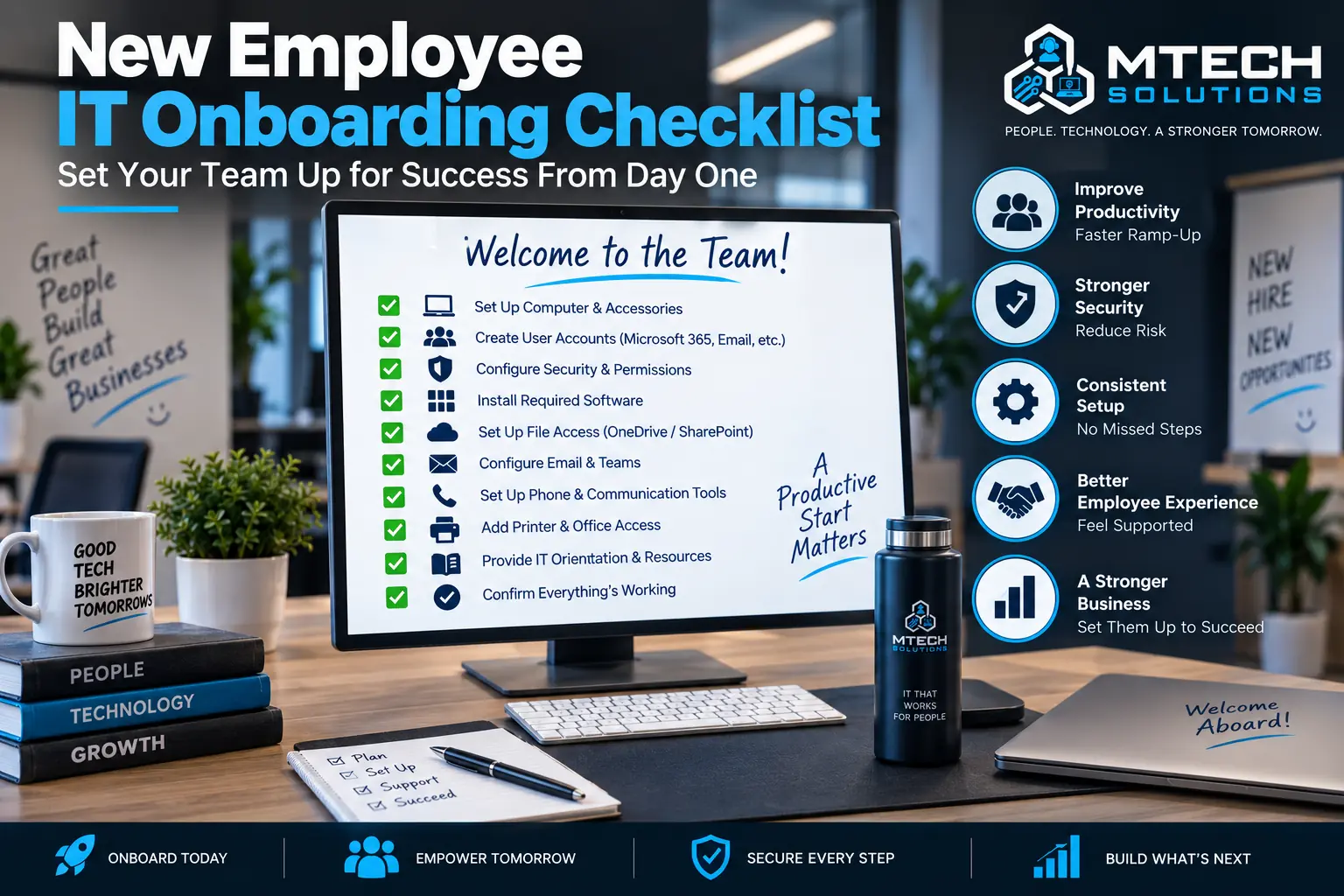
New Employee IT Onboarding Checklist
A new employee’s first day should not be spent waiting for email access, missing software, or a laptop that is not ready.
Good IT onboarding helps employees start strong.
It also protects the business by making sure users get the right access, the right security settings, and the right tools from the beginning.
Without a clear onboarding process, companies often run into problems.
New employees may receive access late. They may be given too many permissions. Devices may not be secured. Software may be missing. Managers may not know who is responsible for setup.
A simple checklist helps prevent that.
1. Confirm the Start Date and Role
Before setting up the user, confirm:
- Employee name
- Start date
- Job title
- Department
- Manager
- Work location
- Remote or onsite status
- Required software
- Required file access
The role should determine access.
Not every employee needs access to every folder, mailbox, or business system.
2. Prepare the Device
The employee’s computer should be ready before their first day.
This may include:
- Laptop or desktop setup
- Windows updates
- Security tools
- Remote management tools
- Standard applications
- Printer access
- VPN or remote access if needed
- Device encryption
- Asset tracking
A properly prepared device saves time and reduces support issues.
3. Create Microsoft 365 Account
Most businesses need the new employee set up in Microsoft 365.
This may include:
- Email mailbox
- Microsoft license
- Teams access
- OneDrive
- SharePoint access
- Distribution groups
- Shared mailboxes
- Calendar permissions
The account should be created with the correct naming format and security settings.
4. Set Up Multi-Factor Authentication
MFA should be set up before the employee starts using email and cloud systems.
This helps protect the account from day one.
Employees should also understand what MFA prompts look like and what to do if they receive a prompt they did not request.
5. Add Software Access
List all applications the employee needs.
This may include:
- Accounting software
- CRM
- Industry applications
- Phone system
- Password manager
- Remote access tools
- File sharing tools
- Project management software
Software access should be based on job responsibilities.
6. Set File and Folder Permissions
Access should be assigned carefully.
New employees should have access to what they need, but not more than necessary.
Review SharePoint, OneDrive, server folders, and business applications.
This reduces the risk of accidental data exposure.
7. Set Up Phone and Communication Tools
If your company uses VoIP, Teams Phone, desk phones, or softphones, configure the user’s phone access.
This may include:
- Extension
- Voicemail
- Call groups
- Auto attendant routing
- Teams calling
- Mobile app setup
Communication should be ready before the employee starts interacting with clients.
8. Provide Support Instructions
Every new employee should know how to get IT help.
Give them:
- Support email
- Phone number
- Ticket portal
- Remote support process
- What to include in a ticket
This prevents employees from asking random coworkers for technical help.
9. Review Security Basics
New employees should understand basic security expectations.
Cover:
- Password rules
- MFA
- Phishing emails
- Suspicious links
- Data handling
- Device care
- Reporting security concerns
Security training does not need to be overwhelming. It just needs to be practical.
How MTech Helps
MTech helps businesses create repeatable IT onboarding processes.
We can set up devices, Microsoft 365 accounts, MFA, permissions, software, phone systems, security tools, and documentation.
The goal is to make onboarding smooth for employees and safer for the business.
For secure employee departures, use our Employee Offboarding IT Checklist.
Construction and field-service businesses often need to set up and remove access across computers, phones, Microsoft 365, applications, and shared project files. Learn more about MTech's Construction & Trades IT Support.
Final Thoughts
A good onboarding process saves time, reduces confusion, and improves security.
If your company is growing and onboarding feels inconsistent, MTech can help create a cleaner process.
Schedule an IT assessment today and let’s review your onboarding workflow.