Cyber Insurance IT Checklist for Small Businesses Bothell, Washington
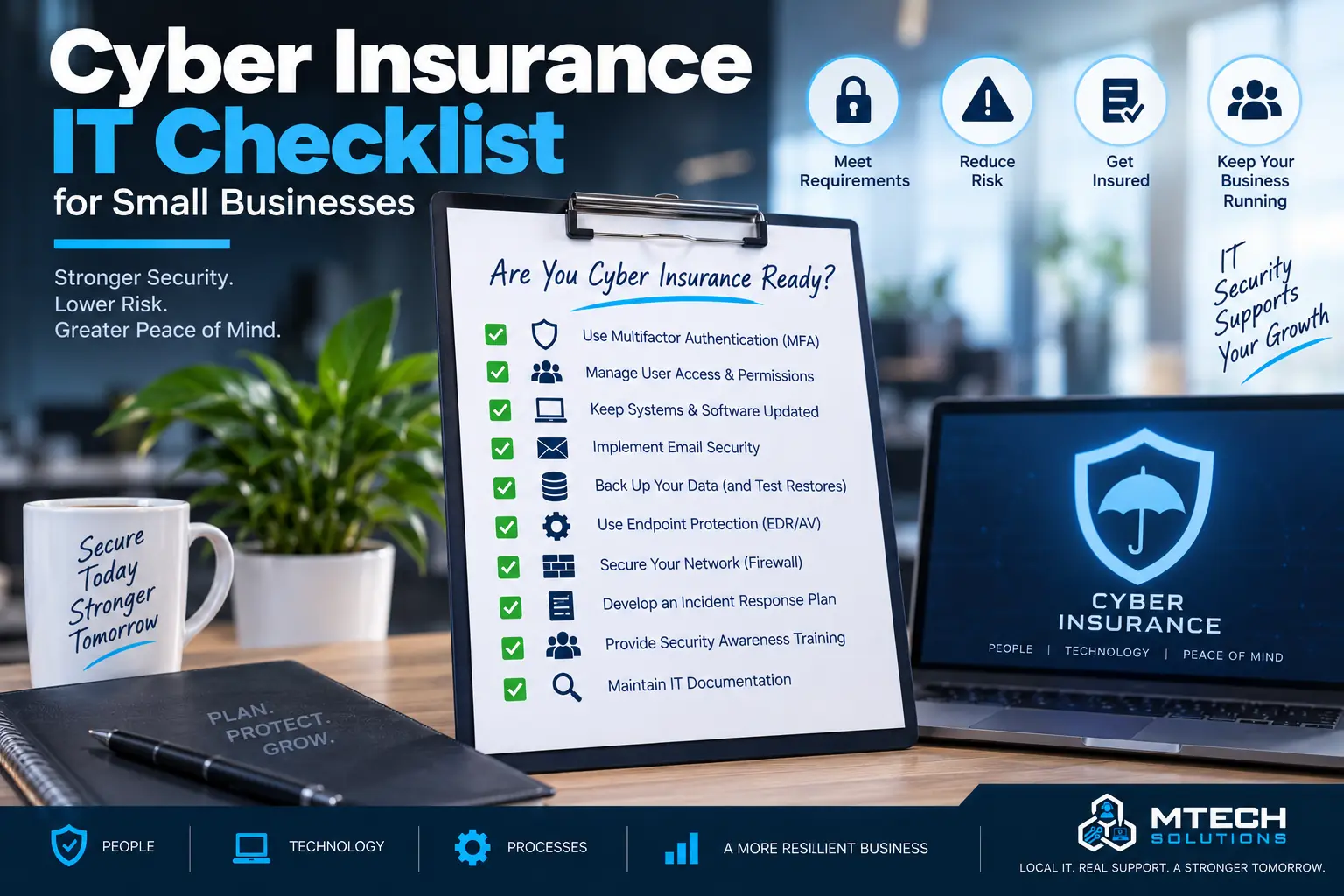
Cyber Insurance IT Checklist for Small Businesses
Cyber insurance has become more common for small and midsize businesses.
But many companies are surprised by how technical the application questions can be.
Insurance providers may ask about multi-factor authentication, endpoint protection, backups, email security, patching, remote access, employee training, incident response, and administrator controls.
If your business is not prepared, these questions can be difficult to answer.
Here is a practical IT checklist to review before completing a cyber insurance application.
1. Multi-Factor Authentication
Many cyber insurance applications ask whether MFA is enabled.
MFA should be used for:
- Microsoft 365
- Remote access
- Admin accounts
- Financial systems
- Cloud applications
If MFA is not enabled, your business may face higher risk and possible insurance concerns.
2. Endpoint Protection
Endpoint protection helps defend computers and servers from malware, ransomware, and suspicious activity.
Your business should know:
- What endpoint protection is installed
- Which devices are covered
- Who monitors alerts
- How issues are handled
Unprotected devices create risk.
3. Email Security
Email is a major attack path.
Cyber insurance may ask about phishing protection, spam filtering, malicious link protection, attachment scanning, and user training.
Your business should also review SPF, DKIM, and DMARC records where appropriate.
4. Backups
Insurance providers often ask whether backups exist and whether they are protected.
Review:
- What is backed up
- How often backups run
- Where backups are stored
- Whether backups are encrypted
- Whether backups are protected from ransomware
- Whether recovery has been tested
Backups should not be assumed. They should be verified.
5. Patch Management
Outdated software can create security risk.
Your business should have a process for applying updates to:
- Workstations
- Servers
- Firewalls
- Applications
- Operating systems
- Security tools
Patch management should not depend on someone remembering manually.
6. Remote Access Security
Remote access should be controlled and protected.
Review VPN, remote desktop, remote access tools, and third-party access.
Remote access should use MFA where possible and should be limited to users who actually need it.
7. Admin Controls
Administrator access should be limited.
Not every user should be an admin on their computer or inside Microsoft 365.
Review local admin rights, domain admin rights, cloud admin roles, and vendor admin access.
8. Employee Security Training
Employees should know how to spot phishing emails, suspicious links, fake invoices, and unusual MFA prompts.
Training helps reduce preventable security incidents.
9. Incident Response Plan
Your business should know what to do during a cyber incident.
An incident response plan should include:
- Who to contact
- How to isolate affected systems
- How to communicate internally
- How to preserve evidence
- How to recover systems
- When to involve insurance, legal, or law enforcement
How MTech Helps
MTech helps businesses prepare for cyber insurance questions by reviewing practical security controls.
We can help with MFA, endpoint protection, email security, backups, patching, remote access, admin controls, employee training, and incident response planning.
Financial firms often face cybersecurity requirements from insurers, compliance organizations, clients, and other third parties. Learn more about MTech's Financial Services & Wealth Management IT Support.
Law firms can have additional cybersecurity concerns because of the confidential client and business information they maintain. Learn more about MTech's Law Firm IT Support
Final Thoughts
Cyber insurance is not only paperwork. It often reveals whether your business has the right security basics in place.
If you are unsure how to answer a cyber insurance application, MTech can help review your environment and identify what needs attention first.