Managed IT for Construction Companies Lynnwood, Washington
Local IT support for contractors and trades, including Microsoft 365, field devices, cybersecurity, Wi-Fi, VoIP, jobsite internet, backups, and onboarding.
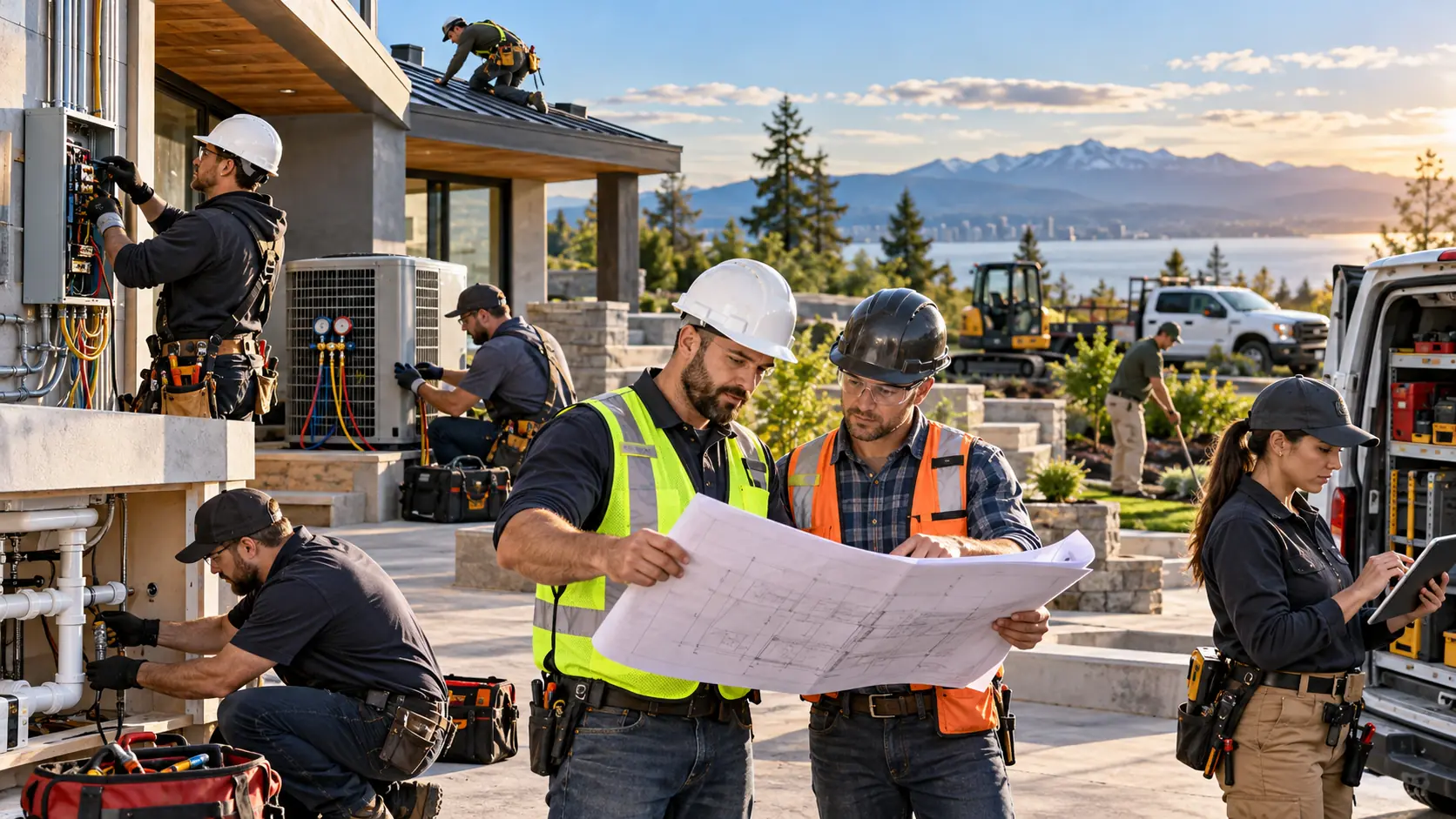
Construction & Trades IT Support Service in Lynnwood, Washington
IT Support for the Office and the Field
Construction and trade businesses have a different technology environment than a traditional office.
You get it, the subject of construction & trades it support is just one of those things in life you have to trust a professional to do. So feel free to skip all the reading and click the button below to get a quote now, or scroll down to learn more.
Get A QuoteEmployees may be working from:
- Headquarters
- A warehouse
- A shop
- A jobsite
- A temporary office
- A truck
- A customer's property
- Home
- A mobile device
That means technology needs to move with the employee.
MTech Solutions helps construction and field-service businesses keep office systems, mobile workers, Microsoft 365, phones, job documents, networks, and security working together.
Our goal is simple:
Take the IT headache away so your team can focus on jobs and customers.
Construction and Trade Businesses We Support
MTech works with organizations such as:
- General contractors
- Plumbing companies
- Electrical contractors
- HVAC companies
- Roofing companies
- Restoration businesses
- Landscaping companies
- Builders
- Subcontractors
- Field-service companies
- Heavy equipment rental businesses
- Maintenance crews
- Towing companies
- Other operations-heavy businesses
These companies may have very different services, but they often share the same technology challenge:
Employees need secure access to information wherever the work is happening.
Construction and Field-Service Software Support
MTech supports the IT environment behind applications and platforms such as:
- Microsoft 365
- QuickBooks
- Procore
- Buildertrend
- ServiceTitan
- Housecall Pro
- Jobber
- Bluebeam
- AutoCAD
- SharePoint
- OneDrive
- Teams
- VoIP systems
- Cloud applications
Our role is to manage the computers, networks, Microsoft 365 environment, permissions, devices, security, and connectivity those applications depend on.
Keeping Office and Field Files in Sync
One problem we have resolved involved a computer that was not properly syncing shared folders.
Documents created or updated in one location were not appearing where employees expected them.
That created delays because staff could not rely on having the latest information.
We corrected the synchronization and sharing problems so the office and field could access the files they needed.
In other environments, we have helped companies move away from older file-storage methods and into SharePoint and OneDrive.
This can give employees a more consistent way to access business files from the office, home, or field.
Organizing Files Around How the Business Works
File storage should not become a random collection of folders that only one employee understands.
MTech can help structure files around areas such as:
- Customers
- Jobs
- Projects
- Estimates
- Contracts
- Photos
- Invoices
- Plans
- Safety documents
- Internal operations
We can also help organizations use automation where appropriate to simplify repetitive workflows and reduce unnecessary manual work.
The goal is to make information easier to find while still controlling who has access.
Microsoft 365 for Construction and Trades
Microsoft 365 is often the foundation connecting the office and field.
MTech helps manage:
- Outlook
- Exchange Online
- OneDrive
- SharePoint
- Teams
- Microsoft 365 licensing
- MFA
- File permissions
- Shared mailboxes
- Secure external sharing
- Employee onboarding
- Employee offboarding
- Mobile access
A properly structured Microsoft 365 environment allows employees to access the information they need without giving everyone access to everything.
Mobile Employees Need More Than Email
Field employees may rely on:
- Smartphones
- Tablets
- Laptops
- Mobile applications
- Cloud files
- Teams
- Job-management applications
MTech helps configure and secure those devices.
Depending on the environment, that can include:
- Microsoft Intune
- Managed security tools
- Endpoint protection
- MDR
- MFA
- Application installation
- Access policies
- Microsoft 365
- Remote support
The goal is for the employee to receive a properly configured device instead of spending their first day trying to figure out passwords and applications.
New Employee Setup
When a new employee starts, MTech can prepare the technology before they begin.
That may include:
- Setting up the computer
- Configuring a phone or tablet
- Creating Microsoft 365 accounts
- Setting up email
- Enabling MFA
- Installing business applications
- Configuring file permissions
- Setting up a password manager
- Adding endpoint security
- Configuring Intune
- Setting up remote access
We can also schedule time with the employee on their first day to confirm everything works.
That gives the employee an opportunity to ask questions and reduces downtime during onboarding.
Employee Offboarding
When an employee leaves, it is important to remove their access quickly.
MTech can help remove or secure:
- Microsoft 365 access
- OneDrive
- SharePoint
- Teams
- Shared folders
- Business applications
- Remote access
- VPNs
- Company devices
- Password-manager access
We can also help provide a manager with appropriate access to the departing employee's business information.
For example, the manager may need access to:
- Customer communications
- Project files
- Documents
- Contracts
This helps prevent important client information from disappearing when an employee leaves.
Secure File Sharing With Clients and Crews
Construction and trade companies often need to share:
- Plans
- Photos
- Contracts
- Estimates
- Invoices
- Schedules
- Job documents
- Project updates
MTech can help build secure file-sharing structures using tools such as SharePoint and OneDrive.
We also help review permissions so employees and outside users only have access to the information they actually need.
Cybersecurity for Construction and Trades
Field-service companies handle valuable business and client information.
We frequently see security risks such as:
- Shared passwords
- Weak passwords
- Missing MFA
- Phishing
- Personal devices
- Former employees retaining access
- No endpoint protection
- Employees having administrator rights
- Weak email security
- Poor offboarding
- Insecure remote access
A single compromised account can expose customer information, invoices, banking details, contracts, or internal business data.
Protecting Client Information
Construction and trade businesses often hold sensitive information such as:
- Customer addresses
- Contracts
- Estimates
- Payment information
- Project files
- Employee information
- Vendor information
- Building information
Protecting that information is important even if the company does not operate in a highly regulated industry.
MTech helps businesses review security controls such as:
- MFA
- Endpoint protection
- Email security
- Mobile-device security
- Password management
- Backups
- User access
- Security awareness training
- Secure file sharing
Password Management and 1Password
MTech can help businesses deploy and manage password-management solutions such as 1Password.
We can assist with:
- User setup
- Vault access
- Shared credentials
- MFA
- Security policies
- Account organization
- Employee onboarding
- Employee offboarding
Employees should not need to keep passwords in spreadsheets, browser notes, or text messages.
A managed password system helps improve both security and usability.
Business Phone and VoIP Systems
Construction and trade businesses depend heavily on phone communication.
Calls may need to reach:
- Office employees
- Dispatch
- Sales
- Estimators
- Managers
- Field technicians
MTech supports business phone and VoIP environments including:
- Desk phones
- Mobile applications
- Call routing
- Auto attendants
- Extensions
- Remote calling
- Voicemail
- Office and field users
Employees should be able to communicate professionally whether they are at their desk or at a jobsite.
Reliable Wi-Fi and Networks
Bad Wi-Fi can create real productivity problems.
MTech has worked with environments where poor wireless coverage affected meetings and everyday work.
By reviewing access-point placement and adding additional wireless access points where necessary, we improved coverage and performance.
MTech can help with:
- UniFi
- Firewalls
- Switches
- Wireless access points
- Wi-Fi
- VLANs
- Network cabling
- Cameras
- Warehouses
- Yards
- Multiple buildings
- Network monitoring
These infrastructure services can be included as part of the managed IT relationship depending on the environment.
Temporary Jobsite Internet
Not every construction project takes place in an established office.
Sometimes a company needs temporary technology infrastructure at a jobsite.
MTech can help set up temporary offices and remote locations.
That may involve:
- Existing internet service
- Temporary Wi-Fi
- Firewalls
- Access points
- Networking equipment
- VoIP
- Starlink
If a remote jobsite does not have traditional internet available, a solution such as Starlink may provide connectivity where appropriate.
The goal is to give the field team a functional and secure working environment even when the office is temporary.
Backup and Data Retention
One issue we frequently see is confusion between cloud storage and backup.
A company may use SharePoint and OneDrive but have no clear retention or recovery strategy.
MTech helps review:
- Microsoft 365 retention
- SharePoint
- OneDrive
- Deleted files
- Version history
- Microsoft 365 backup
- Local files
- Servers
- Critical project data
The question should not simply be:
“Is the file in OneDrive?”
The better question is:
“If that file is accidentally deleted or compromised, how do we recover it?”
We Work Directly With Vendors
Construction and trade companies often depend on many technology vendors.
MTech works directly with:
- Microsoft
- Software companies
- Internet providers
- Phone providers
- Copier companies
- Accounting software vendors
- Hardware manufacturers
- Cloud providers
If a vendor believes the issue is on the IT side, we listen and gather the technical information.
If the issue is ours, we own it and work to resolve it quickly.
If the evidence shows the problem belongs to the vendor, we push back with the information we gathered and continue working toward a resolution.
The goal is not to argue.
The goal is to get the system working again.
Documentation Matters
When we identify a problem, we also believe in documenting what we found.
Documentation may include:
- Network details
- Software vendors
- Application requirements
- User access
- Microsoft 365
- Device setup
- Troubleshooting history
- Jobsite networks
- Onboarding
- Offboarding
Good documentation saves time when the next problem happens.
Why Construction and Trade Companies Choose MTech
Local IT Staff
MTech uses local technicians rather than outsourcing support overseas.
24/7 Support
Construction schedules and field operations do not always follow standard office hours.
Remote and Onsite Support
We troubleshoot remotely when that is fastest and provide onsite assistance when the job requires hands-on work.
Office and Field Support
We understand that employees may work from desktops, laptops, tablets, phones, warehouses, trucks, and jobsites.
Microsoft 365 Experience
We help manage Outlook, SharePoint, OneDrive, Teams, permissions, licensing, and security.
Cybersecurity
We help protect employees, mobile devices, email, customer information, and business systems.
Vendor Coordination
We work directly with technology vendors so the owner or operations manager does not have to manage technical conversations.
Flat-Rate Support
Our managed service model helps make IT expenses more predictable.
No Long-Term Contracts
We use service agreements rather than relying on long-term contracts to keep our clients.
We Keep IT Simple
Our job is to keep the day-to-day technology environment working so your team can stay focused on the business.
Construction & Trades IT Services We Can Help With
MTech can help with:
- Managed IT services
- 24/7 IT support
- Remote support
- Onsite support
- Microsoft 365
- OneDrive
- SharePoint
- Teams
- File sharing
- Mobile-device setup
- Microsoft Intune
- Endpoint protection
- MDR
- MFA
- Password management
- 1Password
- Employee onboarding
- Employee offboarding
- QuickBooks
- Construction software support
- Cybersecurity
- Email security
- Backup and retention
- Business phone systems
- VoIP
- UniFi
- Firewalls
- Wi-Fi
- Switches
- Cabling
- Cameras
- Temporary jobsite networks
- Starlink setup
- Vendor coordination
- IT documentation
- AI and workflow automation
Local IT Support for Construction & Trades
MTech Solutions provides IT support for construction and trade businesses throughout Bothell and surrounding Puget Sound communities, including Bellevue, Kirkland, Redmond, Lynnwood, Everett, Seattle, Issaquah, Mukilteo, Woodinville, and nearby areas.
We provide remote, onsite, and field support depending on what the business requires.
Take the IT Headache Out of Your Day
Your team should be focused on completing jobs, helping customers, managing crews, and keeping projects moving—not troubleshooting computers, Wi-Fi, phones, Microsoft 365, or software vendors.
MTech Solutions can help manage the technology behind both your office and your field operations.
From new employee setup and mobile security to Microsoft 365, networks, VoIP, jobsite connectivity, backups, and cybersecurity, our goal is to keep technology simple and working.
Schedule a Construction & Trades IT Assessment
Helpful Construction & Trades IT Resources
New Employee IT Onboarding Checklist
Employee Offboarding IT Checklist
SharePoint vs OneDrive vs Teams
Microsoft 365 Security Checklist for Small Businesses
Business Phone Systems: VoIP, UniFi Phones, Intermedia & Microsoft Teams
UniFi Network Installation for Small Businesses
Business Continuity vs Backup vs Disaster Recovery
Construction & Trades IT Support FAQs
Yes. MTech supports contractors, field-service businesses, plumbers, electricians, HVAC companies, builders, heavy-equipment businesses, maintenance teams, and other trade organizations with Microsoft 365, mobile devices, cybersecurity, networking, VoIP, backups, onboarding, and ongoing managed IT support.
Yes. MTech supports computers, laptops, phones, tablets, Microsoft 365, cloud applications, remote access, and other tools used both in the office and in the field.
Yes. We can prepare devices, create Microsoft 365 accounts, configure email, enable MFA, install applications, set up permissions and security tools, and meet with the employee on their first day to confirm everything works.
Yes. MTech can help migrate older file-storage environments, organize SharePoint and OneDrive, configure permissions, improve file sharing, and review retention and backup strategies.
Yes. MTech can assist with temporary office and jobsite connectivity, including networks, Wi-Fi, firewalls, and Starlink where appropriate.
Yes. MTech can assist with 1Password deployment, user access, shared vaults, MFA, security settings, and employee onboarding/offboarding.
Yes. MTech supports firewalls, switches, UniFi, access points, cabling, cameras, warehouses, yards, offices, and multi-building environments.
Yes. Vendor coordination is part of our managed IT approach. We gather technical information, determine where the issue exists, and work with the appropriate vendor toward a resolution.