Employee Offboarding IT Checklist Bothell, Washington
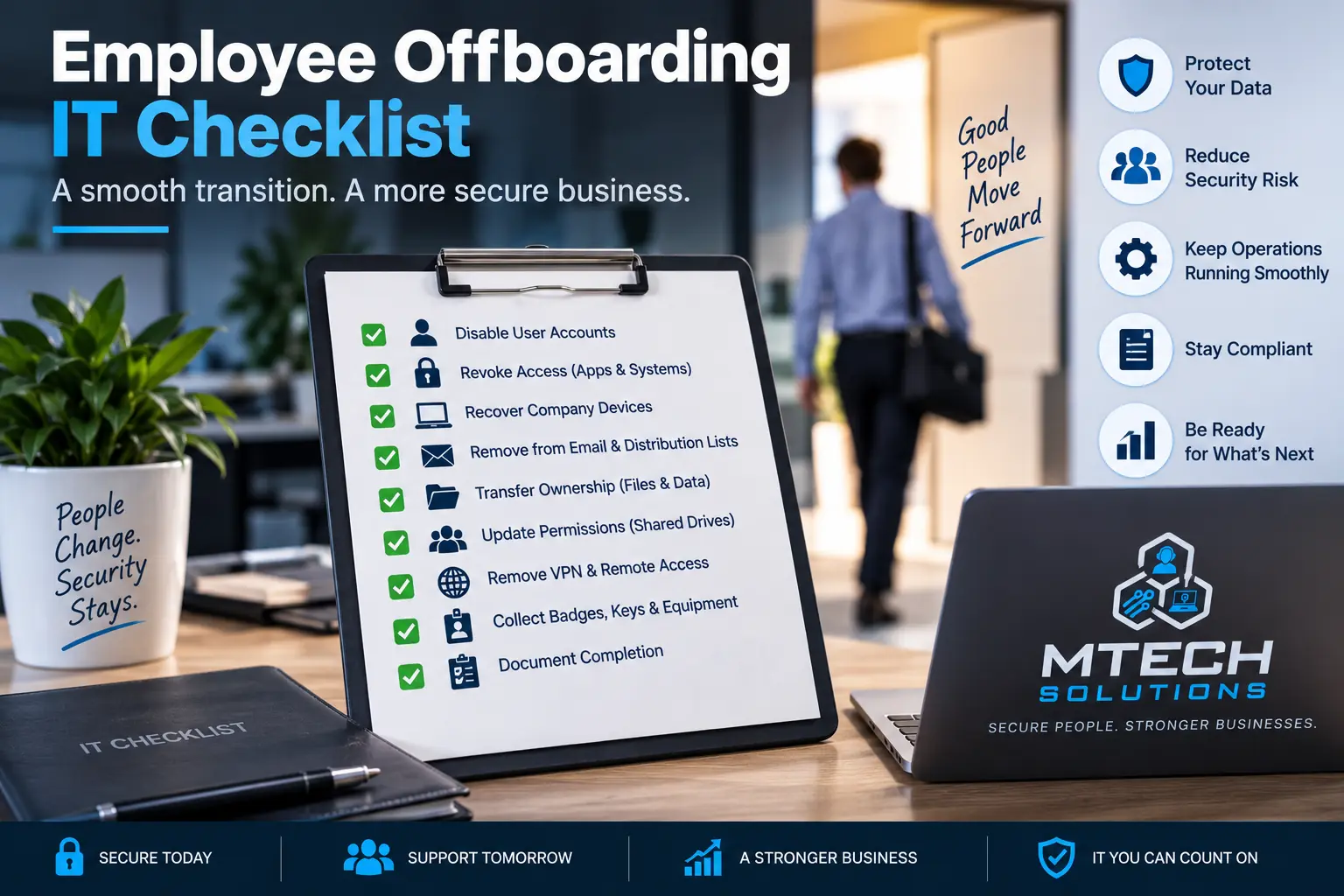
Employee Offboarding IT Checklist
Employee offboarding is one of the most important parts of business security.
When someone leaves the company, their access should be removed quickly and completely.
If offboarding is handled casually, the business may leave old accounts active, files exposed, devices unmanaged, passwords unchanged, and remote access open.
That creates unnecessary risk.
A strong IT offboarding checklist protects the company and makes the transition cleaner.
1. Block Account Sign-In
The first step is to block access to the user’s company account.
For Microsoft 365, this usually means blocking sign-in and resetting the password.
Timing matters. For planned departures, this should happen at the correct time on the employee’s last day. For immediate terminations, access should be disabled right away.
2. Remove MFA Devices
Do not only change the password.
Remove the user’s MFA methods and trusted devices.
This helps prevent the user from using old authentication methods to regain access.
3. Preserve or Convert the Mailbox
Depending on the role, the company may need access to the user’s mailbox after departure.
Options may include:
- Converting the mailbox to a shared mailbox
- Giving a manager access
- Setting an automatic reply
- Forwarding mail when appropriate
- Preserving data for compliance or business needs
This should be handled carefully to protect privacy and business continuity.
4. Review OneDrive and SharePoint Access
Many employees store important files in OneDrive or access shared files in SharePoint.
Review:
- OneDrive ownership
- Shared links
- SharePoint permissions
- Teams access
- External sharing
- Important files that need to be transferred
Do not assume all important data is in a shared folder.
5. Remove Remote Access
If the user had VPN, remote desktop, remote access tools, or cloud application access, those should be removed.
Remote access is a major security concern if left active.
6. Recover Company Devices
Collect company-owned equipment.
This may include:
- Laptop
- Desktop
- Mobile phone
- Tablet
- Security key
- Headset
- Docking station
- Badge
- External hard drive
Devices should be reviewed, wiped, reassigned, or stored properly.
7. Remove Access to Business Applications
Microsoft 365 is only one part of offboarding.
Also remove access from:
- Accounting software
- CRM
- Phone system
- Password manager
- Vendor portals
- Project management tools
- Banking or payment platforms
- Industry-specific software
Every business should maintain a list of systems users may access.
8. Change Shared Passwords
If your company still uses shared passwords, change them when an employee leaves.
Better yet, move away from shared passwords and use proper user-based access whenever possible.
Shared passwords make offboarding harder and less secure.
9. Reassign Phone and Voicemail
If the employee had a phone extension, voicemail, or call routing, update it.
Make sure clients and vendors are not calling an inactive extension.
10. Document the Offboarding
Keep a record of what was removed and when.
This helps protect the company and gives leadership confidence that access was handled properly.
How MTech Helps
MTech helps businesses create secure employee offboarding processes.
We can help disable accounts, review Microsoft 365 access, remove remote access, preserve mailboxes, recover devices, remove application access, and document the process.
The goal is to make offboarding complete, consistent, and secure.
For the opposite side of the employee lifecycle, read New Employee IT Onboarding Checklist.
Nonprofits often manage employees, volunteers, temporary staff, and board members with different access needs. Learn more about MTech's IT support for nonprofit organizations.
Offboarding is especially important in legal environments where employees may have access to confidential client files and communications. Learn more about MTech's Law Firm IT Support.
Healthcare organizations should remove access quickly when clinical or administrative staff leave. Learn more about MTech's IT support for healthcare and medical practices.
Construction and field-service businesses often need to set up and remove access across computers, phones, Microsoft 365, applications, and shared project files. Learn more about MTech's Construction & Trades IT Support.
Final Thoughts
Offboarding is not just an HR task. It is an IT security task.
When an employee leaves, the company needs to protect email, files, devices, passwords, remote access, and business applications.
If your offboarding process is informal or inconsistent, MTech can help create a safer workflow.
Schedule an IT assessment today and let’s review your onboarding and offboarding process.