AI Automation Examples for Office Admin Teams Bothell, Washington
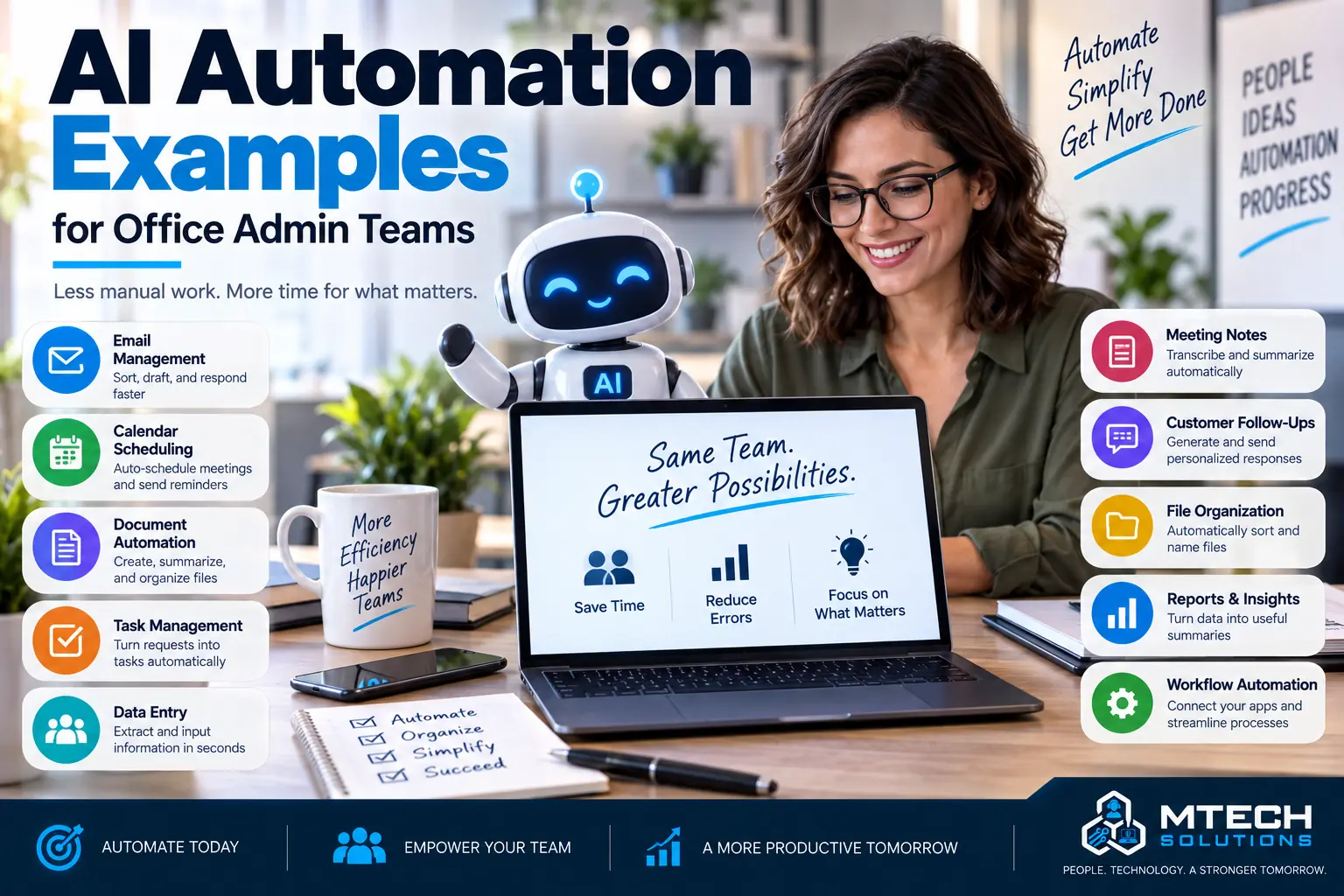
AI Automation Examples for Office Admin Teams
AI automation does not need to be complicated.
For most businesses, the best place to start is not with a big new system. It is with the repetitive work your team already does every week.
Office admin teams often spend time copying information, sorting emails, preparing documents, summarizing notes, following up with customers, and searching for information.
AI automation can help reduce that manual work.
The goal is not to replace people. The goal is to help employees spend less time on repetitive tasks and more time on work that needs judgment, communication, and customer care.
1. Customer Inquiry Routing
Many businesses receive customer requests through forms, email, voicemail, or website submissions.
AI can help classify the request, summarize it, and route it to the right person.
For example, a message could be identified as a billing question, service request, sales inquiry, appointment request, or urgent issue.
This helps reduce missed messages and improves response time.
2. Email Drafting and Follow-Up
Admin teams often write similar emails repeatedly.
AI can help draft responses for:
- Appointment confirmations
- Follow-up emails
- Quote requests
- Client updates
- Internal reminders
- Vendor communication
A human should still review the message, but AI can help create a faster starting point.
3. Meeting Summaries
Meetings often create action items, but those tasks can get lost.
AI can help summarize meeting notes, identify action items, list owners, and create follow-up drafts.
This is helpful for leadership meetings, project updates, client calls, and internal planning.
4. Document Processing
Many offices handle PDFs, forms, invoices, applications, or contracts.
AI can help extract important details and organize them for review.
Examples include:
- Invoice details
- Customer information
- Form submissions
- Contract summaries
- Vendor documents
- Intake forms
This can reduce manual data entry.
5. Internal Knowledge Search
Employees often ask the same questions:
Where is the template?
What is the process?
Who approves this?
Where is the policy?
How do I submit this request?
AI can help create a searchable knowledge base from approved company documents.
This helps employees find answers faster.
6. Reporting Support
AI can help summarize weekly reports, customer trends, project updates, sales activity, or operational notes.
Instead of manually building the same update every week, teams can automate parts of the process and review the results.
7. Task and Reminder Automation
AI can help turn emails, notes, or meeting summaries into tasks.
This helps reduce forgotten follow-ups and improves accountability.
AI Automation Needs Security
AI tools should be used carefully.
Businesses need to think about:
- Sensitive data
- User permissions
- Approved tools
- Human review
- Audit trails
- Data retention
- Client confidentiality
AI should save time without creating new risk.
How MTech Helps
MTech helps businesses identify practical AI automation opportunities.
We review workflows, repetitive tasks, Microsoft 365 usage, security concerns, and business goals.
The goal is to build automation that is useful, secure, and realistic.
Before rolling out automation, read AI Automation Mistakes That Can Put Business Data at Risk.
Final Thoughts
AI automation works best when it solves a real business problem.
Start with the tasks your team repeats often. Look for manual data entry, repeated emails, missed follow-ups, document processing, and reporting work.
If your office team is buried in repetitive admin tasks, MTech can help identify automation opportunities that save time without sacrificing control.