IT Support for Nonprofits: How to Stay Secure on a Budget Bothell, Washington
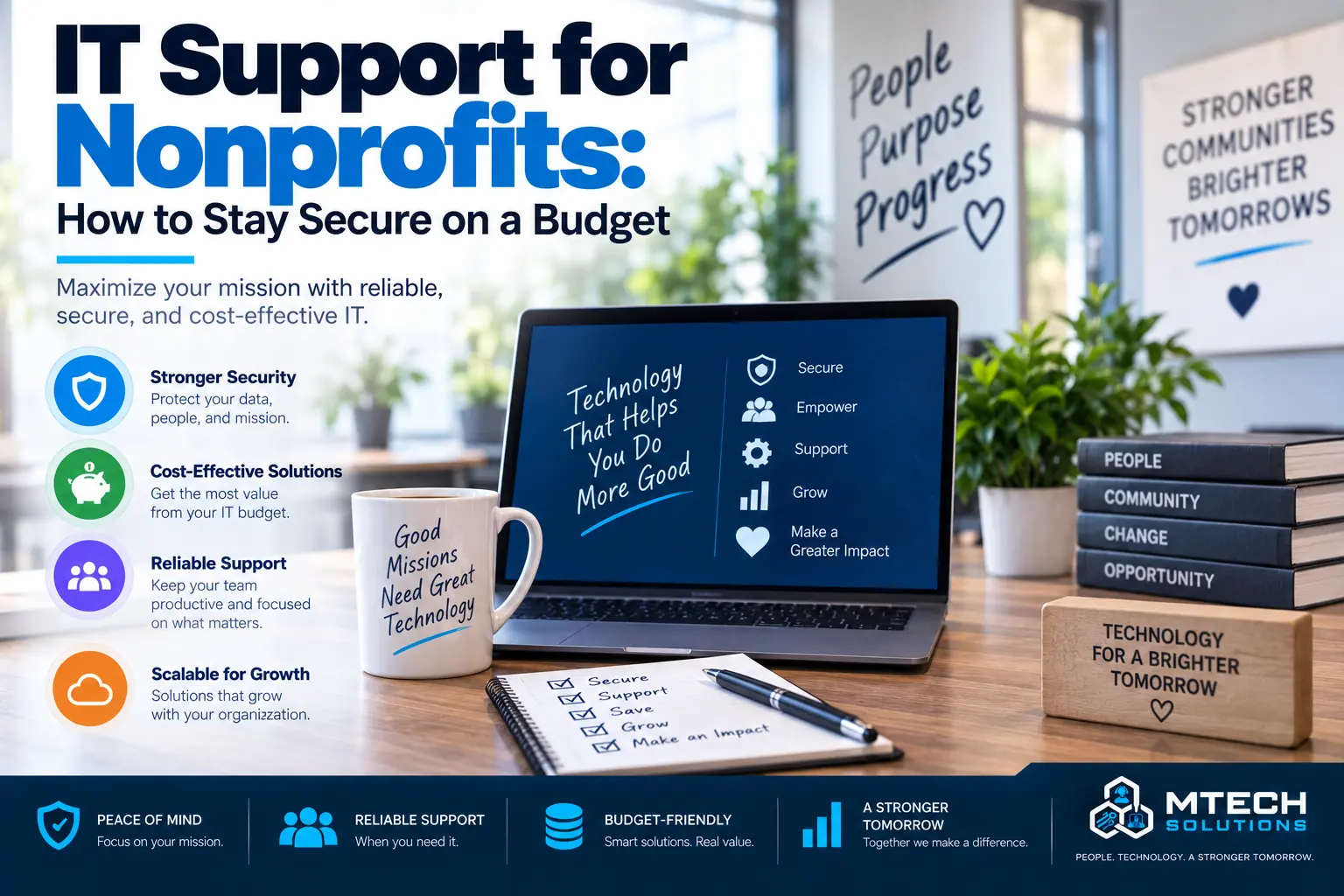
IT Support for Nonprofits: How to Stay Secure on a Budget
Nonprofits have important work to do.
They support communities, serve people, manage donors, coordinate volunteers, run programs, and often do all of it with limited resources.
Technology should help that mission, not get in the way.
But many nonprofits struggle with IT because budgets are tight, staff wear multiple hats, and systems grow over time without a clear plan.
A nonprofit may depend on email, Microsoft 365, donor databases, accounting software, cloud files, phones, laptops, remote access, online forms, and payment systems.
If those systems are not managed properly, the organization can face downtime, security risk, staff frustration, and unexpected expenses.
At MTech, we help nonprofits build practical IT environments that are reliable, secure, and budget-conscious.
Why Nonprofits Need Strong IT Support
Nonprofits handle sensitive information.
That may include donor records, employee data, volunteer information, financial records, program details, grant documents, and client information.
Even small nonprofits can be targets for phishing, account compromise, ransomware, and payment fraud.
Strong IT support helps protect the organization and the people it serves.
It also helps staff work more efficiently.
Budget-Friendly Does Not Mean Unprotected
Nonprofits often need to be careful with spending.
That does not mean cybersecurity and IT planning should be ignored.
The key is prioritizing the most important protections first.
For many nonprofits, that includes:
- Multi-factor authentication
- Email security
- Endpoint protection
- Microsoft 365 management
- Backup planning
- User onboarding and offboarding
- Secure file sharing
- Password management
- Device updates
- Basic security training
A practical IT plan can reduce risk without overcomplicating the environment.
Microsoft 365 for Nonprofits
Many nonprofits use Microsoft 365 for email, files, Teams, and collaboration.
Microsoft 365 can be a strong platform, but it still needs to be managed.
Nonprofits should review:
- User accounts
- Licenses
- MFA
- SharePoint permissions
- OneDrive storage
- Teams structure
- Shared mailboxes
- External sharing
- Admin roles
- Offboarding process
A common issue is that old users, volunteers, or former staff may still have access longer than they should.
MTech can help clean up and secure Microsoft 365 so the organization has better control.
Protecting Donor and Financial Data
Donor trust is important.
Nonprofits should protect donor records, payment information, grant documents, and financial systems.
This means using secure accounts, limiting access, protecting email, and making sure financial requests are verified.
Phishing and fake payment requests can be especially harmful to organizations with limited budgets.
Cybersecurity is not only about technology. It is about protecting trust.
Supporting Remote and Hybrid Staff
Many nonprofits have staff, volunteers, and board members working from different locations.
That creates challenges around file access, communication, device security, and account management.
Remote access should be easy enough for people to use, but secure enough to protect the organization.
MTech can help review cloud access, Microsoft 365, MFA, devices, and remote support options.
Backup and Business Continuity
Nonprofits need to know what happens if systems go down.
A nonprofit should have answers to questions like:
- What data is backed up?
- How often are backups running?
- Who monitors them?
- How quickly can files be restored?
- What happens if email is unavailable?
- How will staff communicate during an outage?
- Who contacts vendors?
- What systems are most critical?
Business continuity planning helps the organization keep serving people during disruptions.
Reducing IT Waste
Nonprofits may overspend without realizing it.
Common areas of waste include:
- Unused software licenses
- Old accounts
- Duplicate tools
- Outdated hardware
- Poor vendor agreements
- Unplanned emergency repairs
- Systems that do not work together
A good IT review can identify where money is being wasted and where improvements will have the biggest impact.
Security Training for Staff and Volunteers
Employees and volunteers should know how to spot common threats.
Training should cover:
- Phishing emails
- Fake invoices
- Password safety
- MFA prompts
- Suspicious links
- Data handling
- Reporting security concerns
Training should be practical and easy to understand.
How MTech Helps
MTech helps nonprofits with managed IT support, Microsoft 365, cybersecurity, backups, cloud services, vendor coordination, and technology planning.
We understand that nonprofits need practical solutions that fit their budget and mission.
Our goal is to help your organization stay secure, support staff, reduce downtime, and make better technology decisions.
If budget planning is the main concern, read How Much Does Managed IT Cost for a Small Business?
Need ongoing help managing your organization's technology? Learn more about our Nonprofit IT Support & Managed IT Services.
Final Thoughts
Nonprofits need reliable IT just like any other organization, but the approach needs to be practical and budget-aware.
The right IT support can help protect donor data, improve staff productivity, secure Microsoft 365, reduce risk, and make technology easier to manage.
If your nonprofit is unsure whether your current IT setup is secure or sustainable, MTech can help.
Schedule an IT assessment today and let’s build a technology plan that supports your mission.