AI Automation Mistakes That Can Put Business Data at Risk Bothell, Washington
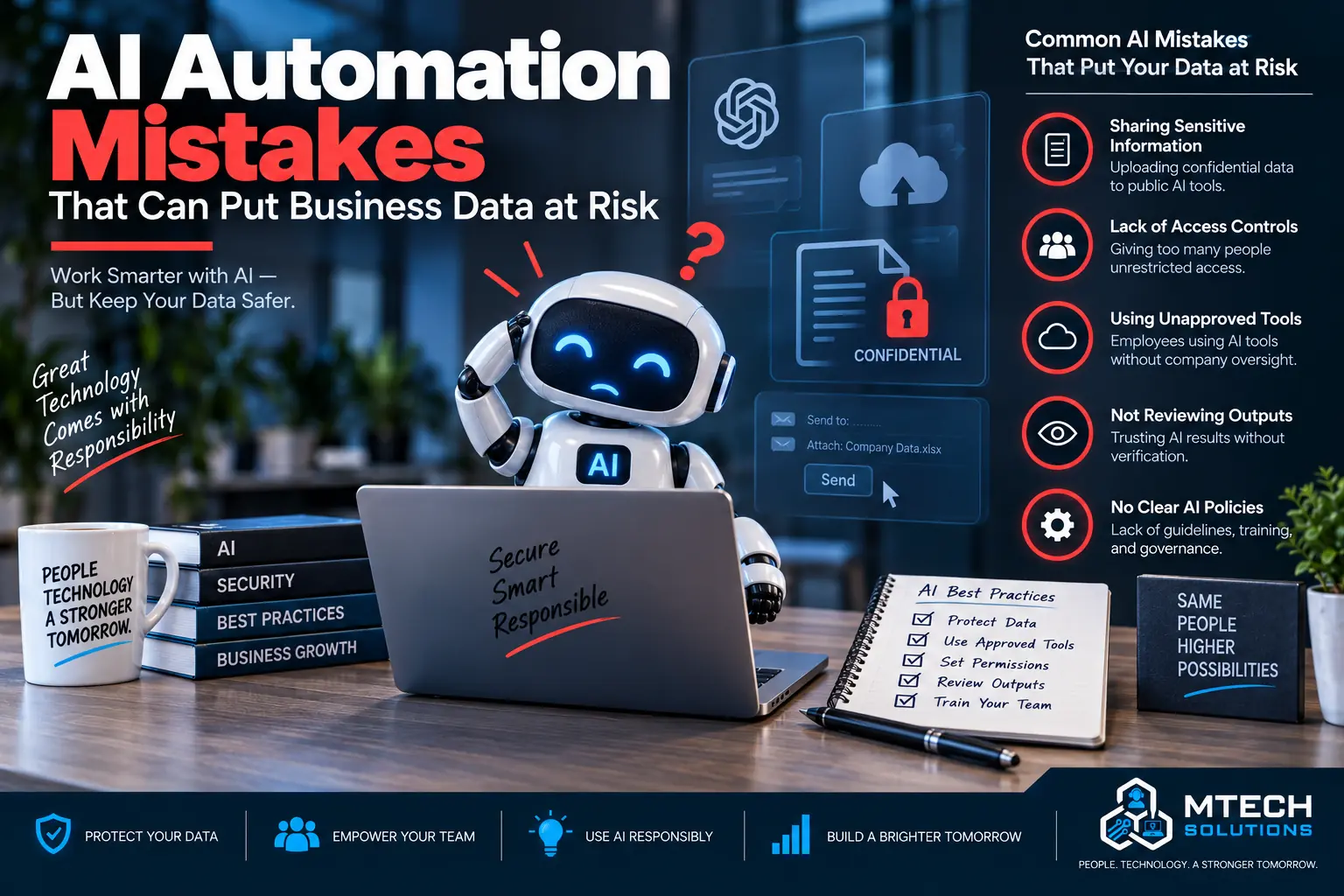
AI Automation Mistakes That Can Put Business Data at Risk
AI automation can help businesses save time, reduce manual work, and improve productivity.
It can summarize meetings, draft emails, organize customer requests, process documents, create reports, and help employees find information faster.
But AI automation also needs to be handled carefully.
If employees use AI tools without guidance, your company may expose sensitive data, client information, financial records, internal documents, or passwords without realizing it.
AI should help your business move faster, but it should not create unnecessary security risks.
Here are common AI automation mistakes that can put business data at risk.
Mistake 1: Letting Employees Use Any AI Tool Without Approval
One of the biggest risks is allowing employees to use any AI tool they find online.
A staff member may copy and paste client information, contracts, invoices, customer emails, financial data, or internal notes into an AI tool without understanding where that data goes or how it may be stored.
That creates risk.
Businesses should have an approved list of AI tools and clear rules for how they can be used.
Employees should know which tools are allowed, which tools are not allowed, and what type of information should never be entered into public tools.
Mistake 2: Pasting Sensitive Business Data Into AI Tools
AI tools are often used to summarize, rewrite, or analyze information.
That can be helpful, but not all information should be pasted into an AI system.
Sensitive data may include:
- Customer records
- Employee information
- Financial reports
- Payroll data
- Contracts
- Legal documents
- Medical information
- Passwords
- API keys
- Internal strategy documents
- Confidential client emails
Before using AI, employees should ask whether the information is safe to share with that tool.
Mistake 3: No Policy for AI Use
Many businesses are already using AI informally even if leadership has not approved it.
That is a problem.
Without a policy, employees make their own decisions. Some may be careful. Others may not understand the risk.
A basic AI policy should explain:
- Which AI tools are approved
- What data can be used
- What data cannot be used
- When human review is required
- Who owns the output
- How AI should be used with clients
- Who to ask before using a new tool
The policy does not need to be overly complicated. It just needs to give employees clear direction.
Mistake 4: Ignoring Permissions
AI automation often works by connecting to business systems.
That may include email, files, CRM tools, Microsoft 365, SharePoint, OneDrive, Teams, or other applications.
If permissions are too open, the AI tool may access more information than it should.
For example, an employee may only need access to one department’s documents, but if permissions are poorly configured, an AI tool connected to that user may see more data than intended.
AI automation should follow the same access rules as the business.
Users and tools should only have access to what they need.
Mistake 5: Connecting AI to Messy File Systems
If your company files are disorganized, AI can make the problem worse.
For example, if old documents, duplicate files, sensitive folders, and outdated information are all mixed together, AI may summarize or use the wrong information.
Before using AI across company documents, businesses should review file structure, permissions, ownership, and data quality.
This is especially important in Microsoft 365 environments using SharePoint, OneDrive, and Teams.
Mistake 6: No Human Review
AI output should not always be trusted automatically.
AI can misunderstand context, make mistakes, summarize incorrectly, or create wording that sounds right but is not accurate.
Human review is important for:
- Client emails
- Legal documents
- Financial information
- HR communication
- Technical instructions
- Customer-facing content
- Compliance-related documents
AI should assist employees, not replace judgment.
Mistake 7: Automating a Bad Process
Automation does not fix a broken workflow.
If the current process is unclear, inconsistent, or poorly documented, AI may only make the confusion happen faster.
Before automating, ask:
- What is the goal?
- Who owns the process?
- What information is needed?
- What should happen first?
- What requires human approval?
- What system should be updated?
- What should be documented?
Good automation starts with a clear process.
Mistake 8: No Audit Trail
Businesses should know what AI tools are being used and what they are doing.
Without logs or review, it may be hard to answer important questions:
- Who used the tool?
- What data was accessed?
- What was generated?
- Was anything sent externally?
- Was a human involved?
- Was the output approved?
Auditability matters, especially for businesses handling sensitive data.
Mistake 9: Forgetting About Compliance
Some industries have special requirements around privacy, recordkeeping, confidentiality, and data handling.
This can apply to healthcare, legal, financial services, accounting, insurance, nonprofits, and other professional services.
Businesses should think carefully before using AI with regulated or sensitive information.
The question is not only “Can AI do this?”
The better question is “Should AI do this, and how do we do it safely?”
Mistake 10: Treating AI as Only an IT Tool
AI automation affects operations, security, compliance, customer service, HR, finance, and leadership.
That means AI decisions should not happen in isolation.
The best AI automation projects involve both business and technology planning.
Leadership should understand the workflow. IT should understand the security. Employees should understand how to use the tool properly.
How MTech Helps
MTech helps businesses use AI automation safely and practically.
We help review workflows, identify repetitive tasks, evaluate tools, consider cybersecurity risks, review Microsoft 365 permissions, and build automation that fits the way your team actually works.
Our goal is to help businesses save time without creating new security problems.
AI should make your business more efficient and more controlled, not more exposed.
For safe, practical use cases, read AI Automation Examples for Office Admin Teams.
Final Thoughts
AI automation can be powerful, but it needs guardrails.
The biggest risks usually come from unclear policies, sensitive data exposure, poor permissions, unapproved tools, and lack of human review.
If your company wants to use AI automation but is not sure how to do it safely, MTech can help.